
In the interest of making Sportsmanship nominations quicker and easier I was asked to publish instructions to add a website to your Home Screen on an iPhone.
- Open the Webpage in Safari on your device.
- Find and tap on this icon
 near the bottom of the browser
 - Click on
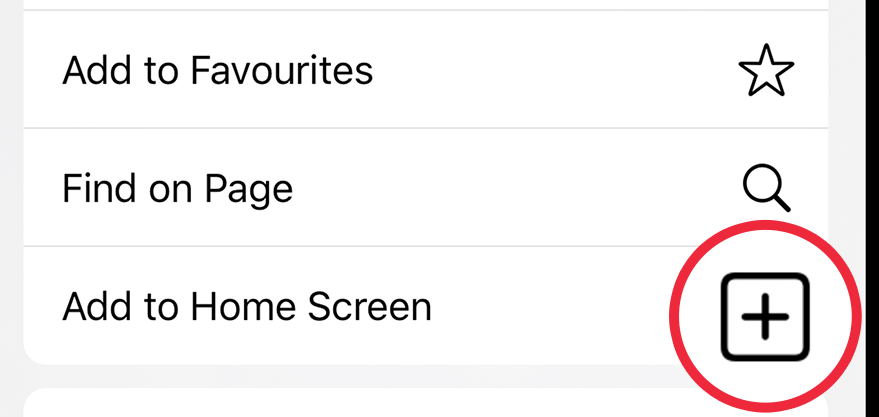 & the site you were on will show up looking like an App on your phone.
These instructions work equally well for our league website mthoodleague.ski to have access to Start Lists, Scoring, Live Timing, and other important information published there.
 Mt. Hood Ski Race League